University App

Overview of the Problem

Most ERP systems available in the Indian market are customizable but only to a certain extent. There are services and systems which are unique to the university and cannot be digitalized using the current ERP system.

During my time as a student at World University of Design, our ERP systems changed multiple times yet all of them could not meet all the needs of the university. Hence, I created an app which solves the problem spaces unique to the university.

User Research
Quantitative Research
I conducted an online survey of 50 people who are presently the students of World University of Design. It helped me reach a wider audience and gain their thoughts, behaviour, attitude, etc.
User Interviews
I conducted 15 in-person semi-structured interviews with students from different backgrounds, departments and years into the program.
On-site Observation
Observational research was a valuable method as it provided me with insight on how students interact with technology as well as what are the touchpoints during a task in which a student feels frustrated.
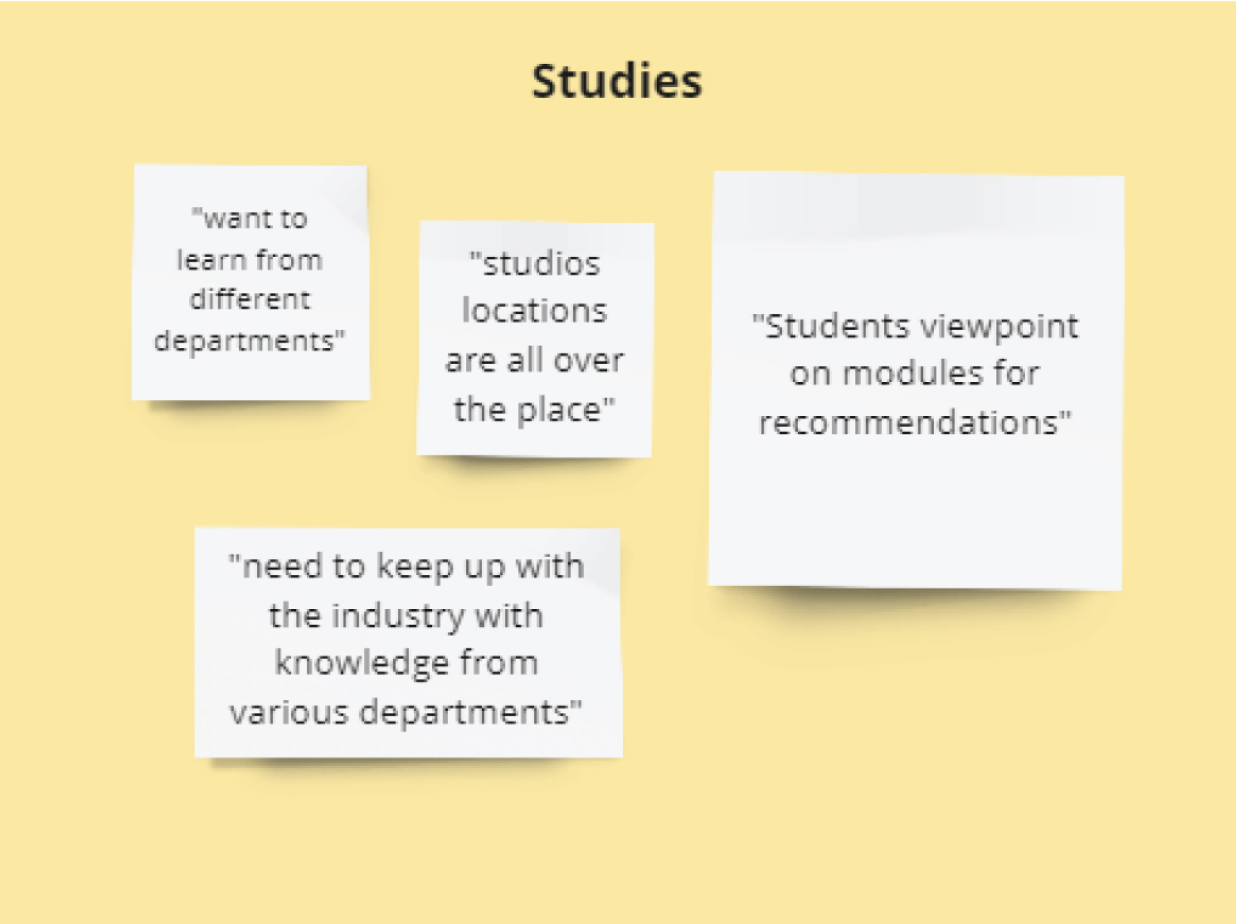
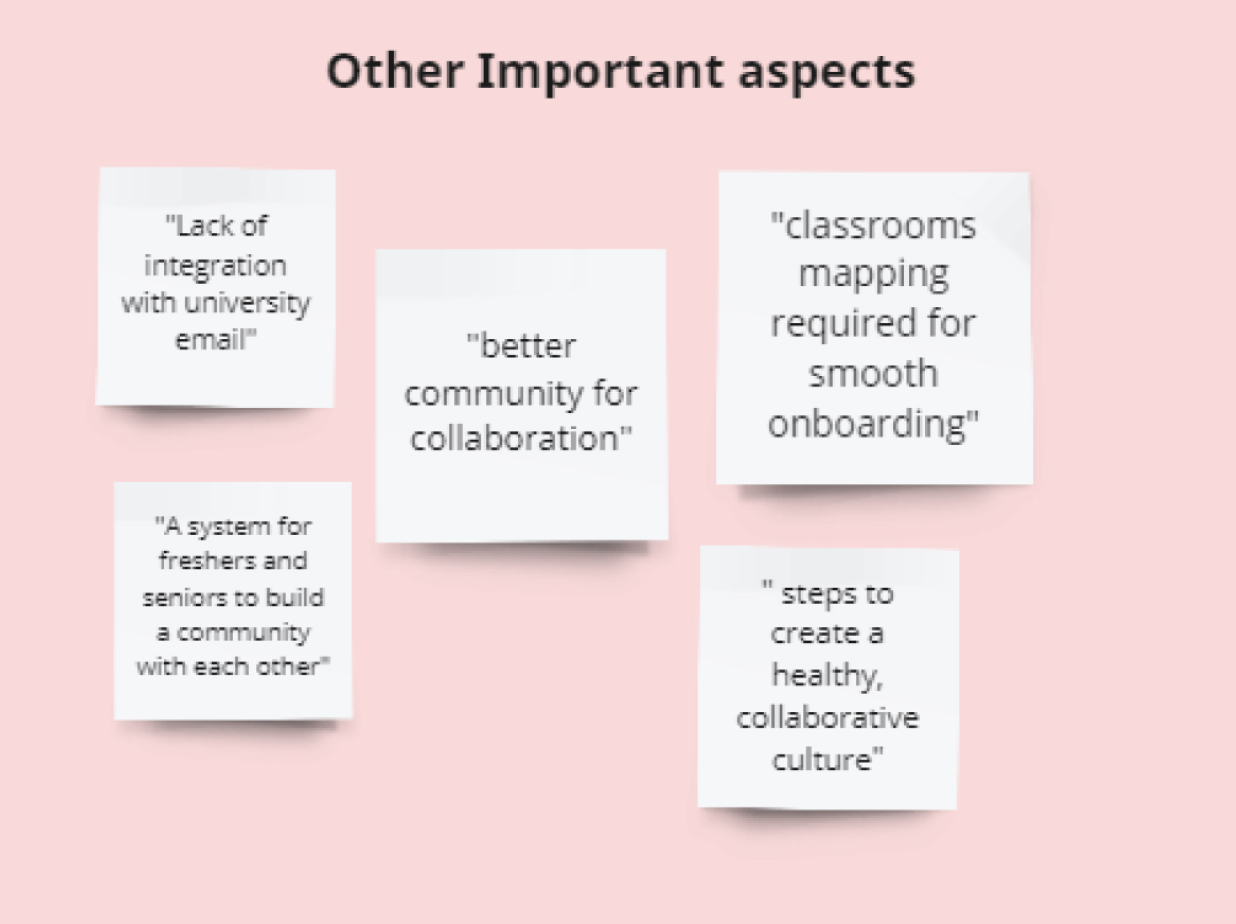
Unveiling the data in Affinity Map
Using the key insights from the Interviews, I mapped them into categories which helped me recognize the holistic view of the problems the users face
Stakeholder Map
User Persona
Empathy Map
Brainstorming
After a session of brainstorming, I identified the following features and explored the endless possibilities of the app
Alumni Network
Digital Gatepass
Transport Schedule
Digital Library
Placements
Online Course
Meal Coupons
Coursework
House Updates
Examination
Study Groups
Cab-pooling
and many more....
User Journey Map
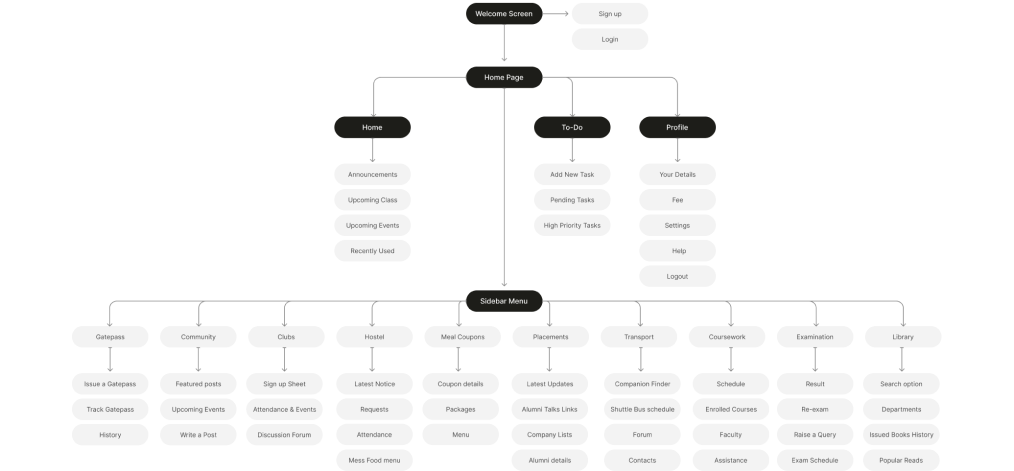
Information Architecture
Crazy 8s
We have 5 main competitor’s that have Strategic Positioning and Competitive Advantage. Also, 2 of them have already been used by the university
After this exercise I finalized 3 homepage designs and decided to test it on users using a basic prototype to understand the students and faculties priorities and analyse their behaviour to come up with an accessible design
Daily Announcements and schedule updates are an important part of both user types routine
Users have an issue with recognizing icons and navigating in Screen 2
Including Pending Work in the home screen should be provided as an option section
Readability issues for elder faculty members and administration department
Key Insights
After analysing the user testing process I changed the design to meet the user needs and it provided me an insight on the visual clarity of the screens required for all the users which will changed the visual design course of the application for the better
Style Guide
Colors
Spacing and Grids- 4 point grid system
Typography
Aa- Montserrat
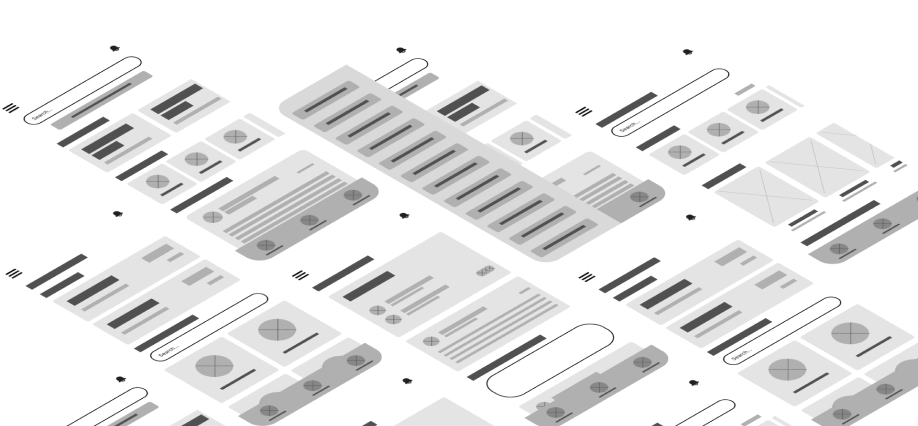
Wireframes
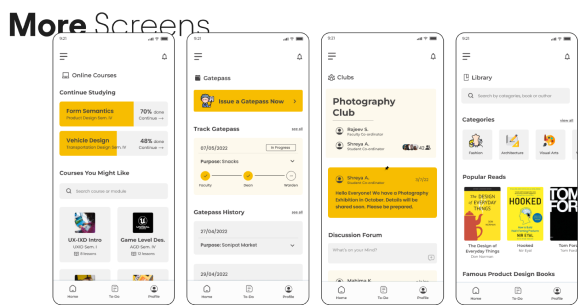
UI Designs
Impact of the Project
I started with this individual case study as an interest to improve the system of my university but it was soon recognized by the Dean and I was selected to work with developers and different stakeholders to make this app a reality
Learnings
Importance of Accessibility
This was a major learning curve for me as I discovered how these small changes in the application can extensively improve the way the app is used by the affected users
User Testing vs. Assumptions
Before I performed my first user testing for the application I was very confident with the assumptions I had made while building the app but after the user testing,